

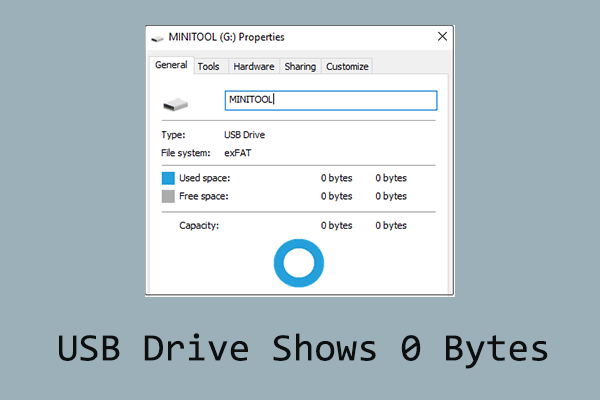
USB Drive Shows 0 Bytes on Windows? Fix It Without Losing Data
USB drives may show 0 bytes in File Explorer due to file system errors or hardware problems. Learn practical solutions to fix the issue without losing data.
By Shirley / Published
Here is a collection of easy guides on how to recover lost and deleted files from USB flash drives using MiniTool Power Data Recovery. This free data recovery software works on various situations, such as USB flash drive not recognized, unknown USB device, USB drive is broken, etc. No matter which type of file you want to retrieve, it is worth trying this USB data recovery software to scan the USB drive for the needed files.
USB drives may show 0 bytes in File Explorer due to file system errors or hardware problems. Learn practical solutions to fix the issue without losing data.
How can you repair a corrupted Kingston pen drive and recover data from it? This post gives a detailed repair and recovery guide to you.
Learn why your USB drive isn't showing files and folders, how to reveal hidden items, recover lost data, and prevent future loss on Windows.
Learn how to fix a USB drive not recognized in Windows, recover data from an unrecognized USB, and resolve driver, port, and disk issues.

Need free USB data recovery? Learn how to recover lost files from USB drives with MiniTool Power Data Recovery and fix common USB errors.

Mistakenly converted the external drive to ESD-USB? Read this post to learn how to recover files after converting external drive to ESD-USB.
Learn how to fix a broken USB stick, recover data from USB stick, repair file system errors, and handle USB drivers with possible physical damage.
Learn how to show hidden files in USB drives and SD cards on Windows, unhide USB files with File Explorer or attrib, and recover lost data.

Learn why Unknown USB Device (Device Descriptor Request Failed) happens and try these proven fixes to resolve USB errors in Windows 10/11.