

ProgramData Folder Missing? How to Find, Show, and Recover It
ProgramData folder missing in Windows 10 or 11? Learn why the ProgramData folder is hidden, where to find it, and how to recover deleted program files.
By Shirley / Published
This page contains comprehensive Windows data recovery solutions for different Windows data loss situations. All you need is the best free data recovery software: MiniTool Power Data Recovery. This file recovery tool can recover all kinds of missing files including pictures, videos, audio, documents, and more.
From recovering permanently deleted files on Windows to rescuing data from unbootable PCs or laptops, and from recovering data after a factory reset to retrieving files deleted by viruses, the guides on this page can quickly and effectively help you get your data back. Check out this page to discover more useful file recovery methods tailored to the data loss situations you are currently facing.
ProgramData folder missing in Windows 10 or 11? Learn why the ProgramData folder is hidden, where to find it, and how to recover deleted program files.

Is there any way to resolve the Windows black screen after sleep? This post delivers a detailed guide to resolve the issue.

Fix “there are no previous versions available” in Windows. Learn the causes, solutions, and how to recover files when no copied version is available.
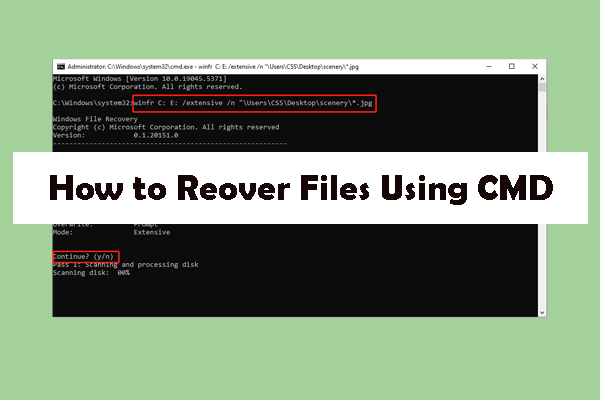
Learn how to recover deleted and hidden files using CMD in Windows. This guide explains attrib, winfr, and CHKDSK commands with detailed instructions.

If your folders turned into shortcuts, follow this guide to learn how to remove shortcut viruses, change file attributes, and recover lost files.
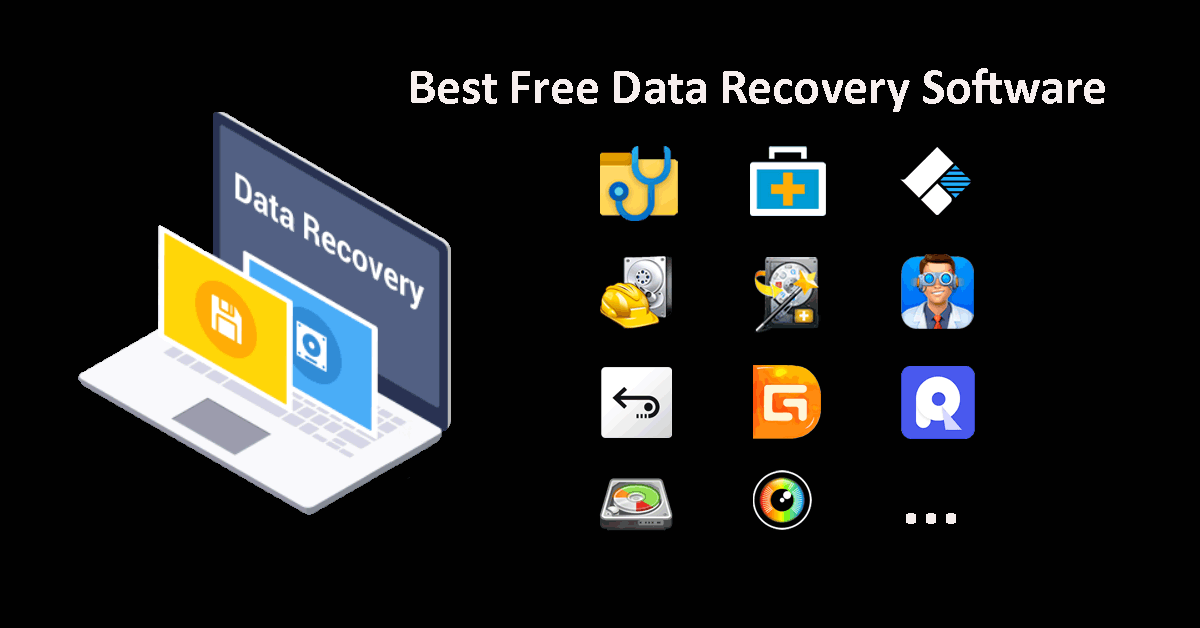
If you are looking for the best free data recovery software for PC, you can read this article's recommendations to select the right one.
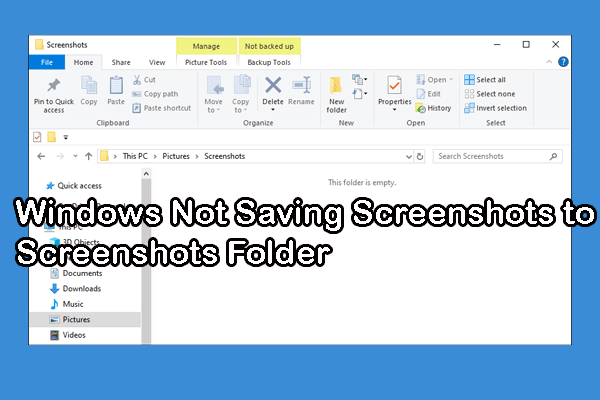
This post introduces specific troubleshoots to fix the Windows not saving screenshots to Screenshots folder error.

This post reveals how to resolve the downloads not showing up in the Downloads folder problem on Windows with ease.
Learn why the “cannot open volume for direct access” error happens when running CHKDSK and how to fix it without losing data.

This post explains 7 methods to resolve the black screen after pressing Alt + Tab and an approach to recover data from the dead computer.