

Step-by-Step Guide: Repair Windows 10 Free Without Losing Data
This guide shows easy ways to repair Windows 10 without data loss, including running DISM/SFC, using Startup Repair, performing System Restore, and more.
By Chelsea

This guide shows easy ways to repair Windows 10 without data loss, including running DISM/SFC, using Startup Repair, performing System Restore, and more.
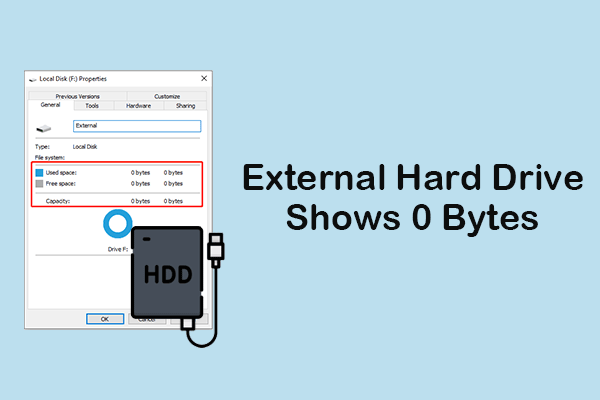
When an external hard drive shows 0 bytes, recover data first. Then, fix it by using the disk error tool or CHKDSK, changing the drive letter, or formatting it.
Read this post to learn how to recover a formatted SD card on Windows/Mac using the backup files or data recovery software.

When “error checking USB drive stuck” occurs, try running CHKDSK, updating the disk driver, and formatting the USB drive.
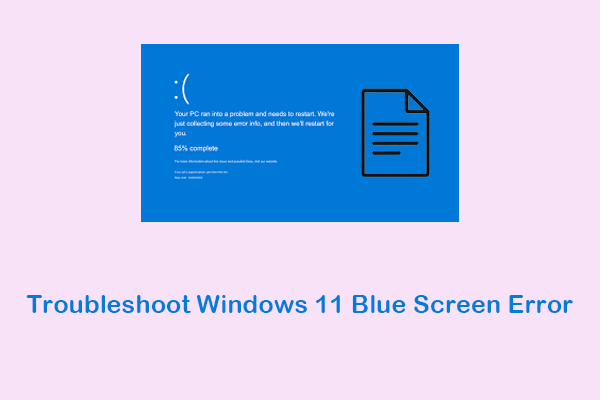
Cannot troubleshoot Windows 11 blue screen error? Learn how to fix it using various methods without losing data.

How much do you know about SD card lock and unlock? If your mind is blank, this article has a detailed guide to help you understand it.

Why does the problem of Windows deleting files automatically happen? How to fix it? All the information you need is here.
This post provides several ways to help you recover files lost after cut and paste, and some data protection recommendations.
Have you used an encrypted USB drive? How to recover files from a password protected USB drive? Here is a tutorial.

What if your dash cam keeps saying format SD card? Here are some methods in this article that you may find helpful.

The hard drive shows up in BIOS but not Windows? This post shows a troubleshooting and data recovery guide for you.

When your SD card is corrupted or damaged, how can you fix it? This post shows you how to CHKDSK SD card and recover data from it.