


How to Fix Windows Was Unable to Repair the Drive: Guide
Use these built-in Windows tools, like chkdsk, SFC, etc., to fix the problem that Windows was unable to repair the drive.
By Sandy / Published
Here is a collection of easy guides on how to recover lost and deleted files from USB flash drives using MiniTool Power Data Recovery. This free data recovery software works on various situations, such as USB flash drive not recognized, unknown USB device, USB drive is broken, etc. No matter which type of file you want to retrieve, it is worth trying this USB data recovery software to scan the USB drive for the needed files.
Use these built-in Windows tools, like chkdsk, SFC, etc., to fix the problem that Windows was unable to repair the drive.
This definitive guide introduces how to recover data from formatted USB drive with the best data recovery tool.

Wondering how to format USB CMD without losing your data? Read this tutorial to get detailed instructions and alternative formatting ways.
Encountering a USB drive listed as a RAW file system? This post will walk you through how to fix it and recover data from a RAW USB flash drive.
Have you used an encrypted USB drive? How to recover files from a password protected USB drive? Here is a tutorial.
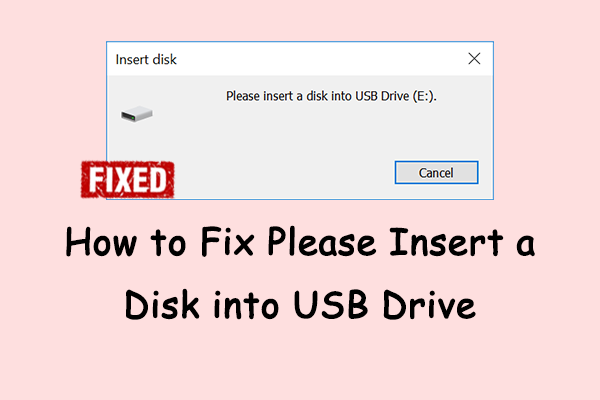
What measures can you take to help you fix Please insert a disk into USE Drive? Here are some simple and useful solutions you can try.

This guide delivers USB data recovery and USB repair methods when a USB drive cannot be opened on Windows.
In this post, you will learn how to recover virus infected files from USB flash drive and how to remove the virus with ease.
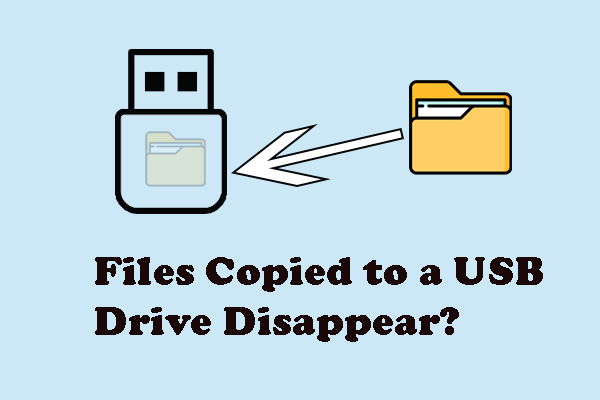
It is frustrating to find that files copied to a USB drive disappear. This post delivers fixes and data recovery methods.
How to fix the problem of Transcend USB flash drive not detected? If you are confused about it, this post will give you an answer.