

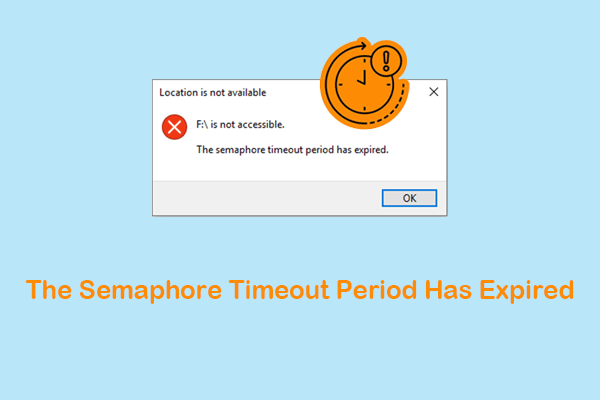
How to Fix “The Semaphore Timeout Period Has Expired” Error
Learn how to fix the “The semaphore timeout period has expired” error in situations where you cannot copy files and access the disk.
By Chelsea / Published
Hard drives are important and frequently used data storage media. When using a hard drive with a PC, Xbox device, or another machine, you may encounter issues like hard drive crash, operating system not found, HDD shows as unknown, your disk needs to be checked for consistency, DiskPart has encountered an error, or some other kinds of issues.
Provided that the files on the hard drive are vital, you can first try MiniTool Power Data Recovery to rescue them and then use specialized solutions to solve the issues.
Learn how to fix the “The semaphore timeout period has expired” error in situations where you cannot copy files and access the disk.

This post shows how to access Ext4 files on Windows. When the disk runs well, export files. When it is corrupted, perform Ext4 data recovery.
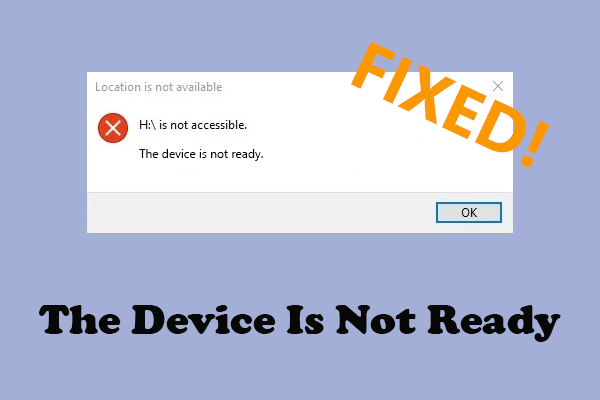
This guide helps you fix the “device is not ready” disk inaccessible error using basic and advanced methods without losing your files.
If you are facing the “external hard drive keeps disconnecting” problem on Windows 11/10, this post provides six solutions to help you resolve it effectively.
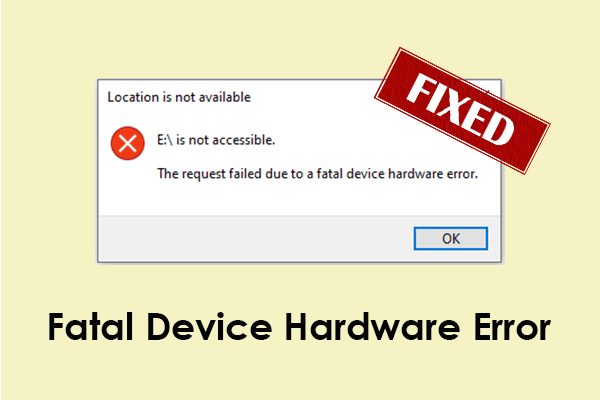
This comprehensive guide explains common reasons for the fatal device hardware error and outlines several feasible solutions to resolve it.
Learn how to fix “The parameter is incorrect” by running CHKDSK, updating disk drivers, running an SFC scan, formatting the disk, etc.
You can read this post to learn how to recover data from a dead SSD with a powerful data recovery tool and how to fix a failed SSD in Windows.
This simple guide explains what the “CHKDSK an unspecified error occurred” message is and how to fix it without losing your important files.
When an external hard drive shows 0 bytes, recover data first. Then, fix it by using the disk error tool or CHKDSK, changing the drive letter, or formatting it.
Read this post to learn how to format a hard drive using the Windows File Explorer or Disk Management utility and perform a formatted drive data recovery.