

Samsung T7 Not Showing Up in Windows: Fix and Recover Data
Is your Samsung T7 not showing up on Windows 10/11? Learn the causes, safe fixes, and how to recover files from the unrecognized T7 SSD.
By Charlotte / Published
Hard drives are important and frequently used data storage media. When using a hard drive with a PC, Xbox device, or another machine, you may encounter issues like hard drive crash, operating system not found, HDD shows as unknown, your disk needs to be checked for consistency, DiskPart has encountered an error, or some other kinds of issues.
Provided that the files on the hard drive are vital, you can first try MiniTool Power Data Recovery to rescue them and then use specialized solutions to solve the issues.
Is your Samsung T7 not showing up on Windows 10/11? Learn the causes, safe fixes, and how to recover files from the unrecognized T7 SSD.
Hard drive spinning but not detected on Windows? Learn why it happens, recover important files first, and try safe fixes for internal or external drives.
Learn what causes data error (cyclic redundancy check) and how to fix CRC data error on Windows. Recover files from inaccessible drives safely.

Hard drive shows up in BIOS but not Windows? Learn why it happens, how to fix it, and recover data from an unrecognized hard drive safely.

Learn why WD My Passport Ultra is not showing up in Windows 10/11 and discover safe fixes, data recovery steps, and ways to restore access.
What if your SSD/hard drive keeps disappearing on your computer? How to fix this annoying problem? Here is a tutorial.
Is your M.2 SSD not showing up in BIOS, File Explorer, or Disk Management? Learn the causes, proven fixes, and safe data recovery steps.
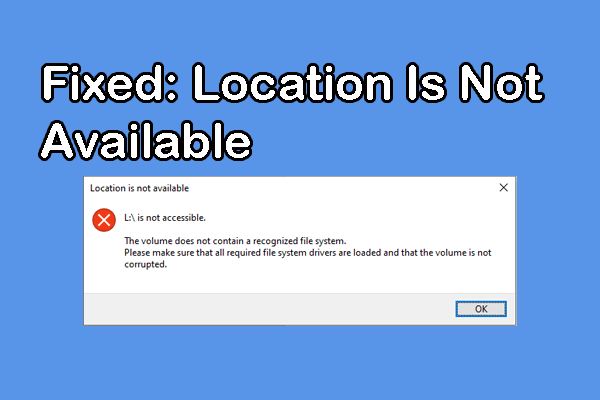
Learn what causes the Location is not available error in Windows and how to fix it safely for drives, folders, and network locations today.
Is there any solution for the Kingston SSD not detected issue? Read this post to learn a comprehensive and detailed solution guide.
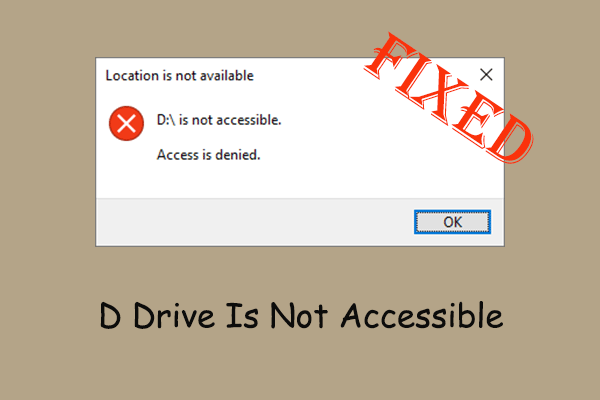
In this expert guide, you will learn how to fix the “D drive is not accessible” error and how to recover files from the inaccessible D drive.