


DVR/CCTV Video Recovery: How to Recover DVR/CCTV Footage
To carry out a DVR/CCTV video recovery, you can try using a professional data recovery tool, like MiniTool Power Data Recovery, or a backup.
By Sandy / Published
Hard drives are important and frequently used data storage media. When using a hard drive with a PC, Xbox device, or another machine, you may encounter issues like hard drive crash, operating system not found, HDD shows as unknown, your disk needs to be checked for consistency, DiskPart has encountered an error, or some other kinds of issues.
Provided that the files on the hard drive are vital, you can first try MiniTool Power Data Recovery to rescue them and then use specialized solutions to solve the issues.
To carry out a DVR/CCTV video recovery, you can try using a professional data recovery tool, like MiniTool Power Data Recovery, or a backup.

In this guide, you will learn how to cancel a format in progress on Windows. Follow the instructions provided to undo the format.
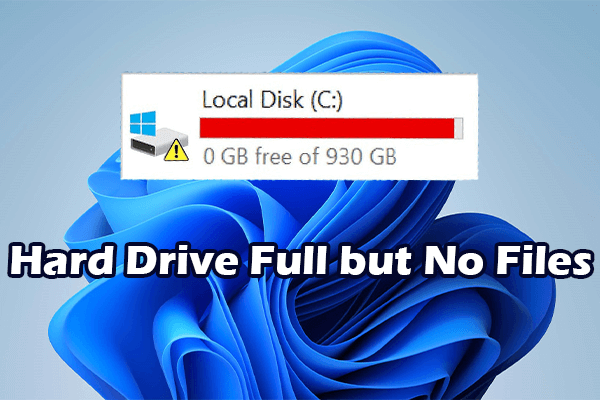
What measures can you take if you find your hard drive full but no files? Here are some simple and useful solutions you can try.
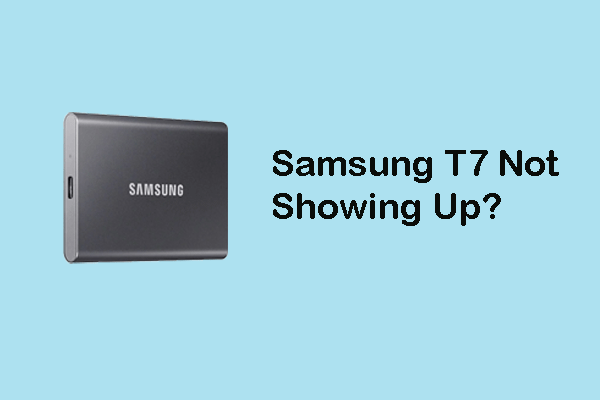
You can read this post to learn how to fix Samsung T7 not showing up on Windows and how to recover data from it.

What can you do if you encounter the problem of an internal or external hard drive spinning but not detected on Windows? Read this guide.

Do you have any idea on resolving data error (cyclic redundancy check)? Useful suggestions are shared here.

The hard drive shows up in BIOS but not Windows? This post shows a troubleshooting and data recovery guide for you.

This post reveals how to resolve the WD My Passport Ultra not showing up problem in Windows 10/11 with ease.
What if your SSD/hard drive keeps disappearing on your computer? How to fix this annoying problem? Here is a tutorial.
Is your M.2 SSD not showing up in BIOS, File Explorer, or Disk Management? Now read this tutorial to get several proven fixes.