


How to Recover Dash Cam Videos: Step-by-Step Guide
Learn how to recover dash cam videos from an SD card or USB drive, including deleted footage, with step-by-step methods and prevention tips.
By Charlotte / Published
As a professional SD card data recovery software, MiniTool Power Data Recovery can help you rescue your important files from a variety of situations that may cause data loss. For example, when you delete files from the card or format the card by mistake, the SD card is damaged accidentally, the card is inaccessible for some reason, photos disappear from the SD card, the camera shows that the card cannot be accessed, etc., you can try this file recovery tool to scan the card and get your data back easily.
Learn how to recover dash cam videos from an SD card or USB drive, including deleted footage, with step-by-step methods and prevention tips.
Learn how to remove write protection on a Micro SD card using DiskPart, Registry Editor, and other fixes, and recover data if the card is corrupted.
Nintendo Switch not reading microSD card can be caused by either a card issue or a console problem. This post explains how to fix it effectively.
Find out when formatted SD card recovery is possible and how to recover a formatted SD card on Windows and Mac safely.
To recover pictures from corrupted SD card, professional data recovery software is recommended. Read this post to learn how to do it.

How much do you know about SD card lock and unlock? If your mind is blank, this article has a detailed guide to help you understand it.
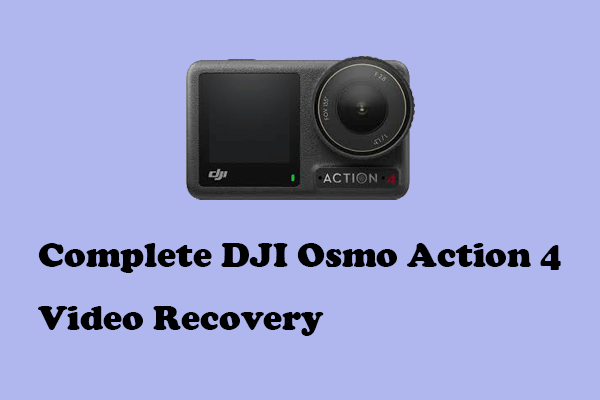
Urgent to complete a DJI Osmo Action 4 video recovery? You can read this post to obtain useful data recovery solutions.
You can read this post to obtain ways to repair the SD card deleting files by itself error and recover lost files.
Dash cam keeps saying format SD card? Learn why this happens, how to fix it safely, and how to recover important videos before formatting.
If you are wondering how to carry out an SD card RAW recovery and repair this problematic SD card, here’s everything you need to know.